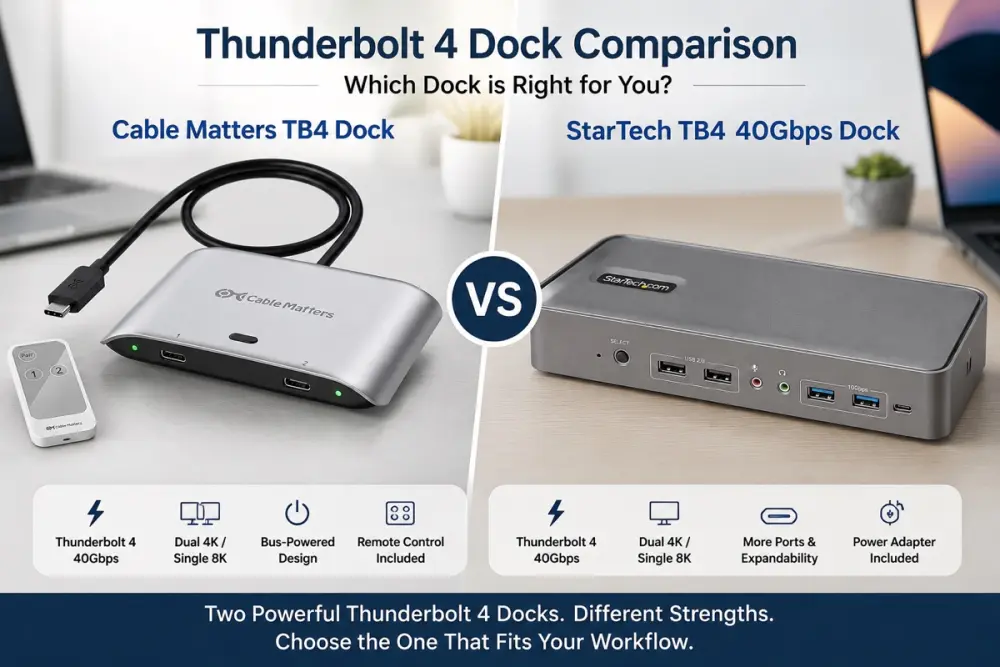
We compared spec sheets for two ways to share peripherals between two computers: a full docking station with built-in ports, and a simpler switch that shares whatever display or dock you already own.
What we looked at
Port count and built-in features, power delivery wattage, data transfer speed, and monitor resolution support on both Windows and macOS.
The verdict
If you need a complete docking setup — extra USB ports, Ethernet, and dual monitors — the StarTech dock's higher price reflects real added capability. If you already own a display or dock and just need to share it between two machines, the Cable Matters switch does that at a fraction of the cost, with power delivery and speed specs that hold up well against pricier options.
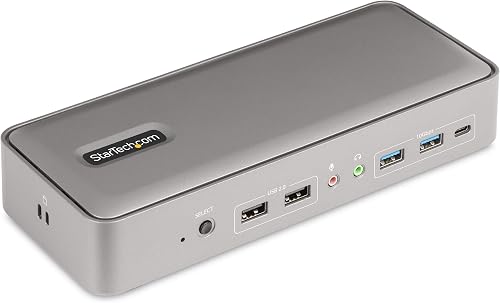
The extra ports, Ethernet, and dual-monitor support justify the price for a complete two-laptop docking setup.
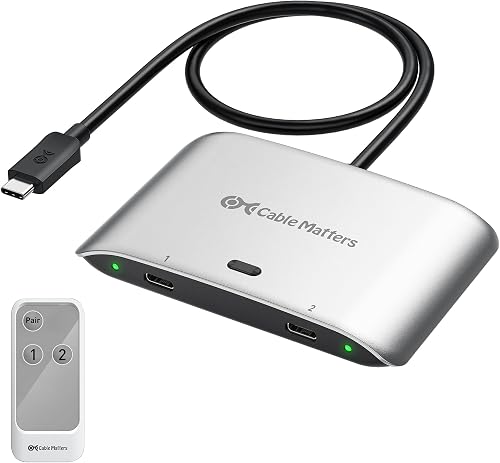
A cheaper way to share one existing display or dock between two computers, with strong power and speed specs for the price.
StarTech.com Dual-Laptop USB-C KVM Docking Station (129UE-USBC-KVM-DOCK) — Best Full-Featured
Intended for: Marketed as a full docking solution for switching between two laptops while sharing dual 4K monitors, USB peripherals, and a wired network connection.
What we liked
- Dual 4K DisplayPort outputs at 60Hz for a proper two-monitor setup
- 5 USB ports plus Gigabit Ethernet cover most desk peripherals in one dock
- Delivers power to both connected laptops (90W and 45W) so cables stay minimal
Worth knowing
- Higher price than a basic KVM switch, reflecting the added dock features
- Two DisplayPort monitor cables plus the dock itself means more setup than a single-cable switch
Best for
- Hybrid workers switching between a work and personal laptop at one desk
- Dual-monitor setups needing 4K 60Hz on both displays
- Anyone wanting Ethernet and multiple USB ports without separate adapters
Not ideal for
- Simple single-monitor setups — the extra ports and dual DisplayPort go unused
- Budget-conscious buyers who only need basic switching between two computers
Cable Matters 20Gbps USB-C Switch for 2 Computers, 140W PD — Best Value
Intended for: Marketed as a simple way to share one USB-C monitor, USB4 dock, or Thunderbolt 4 dock between two computers.
What we liked
- 140W power delivery is higher than many pricier docks, useful for larger laptops
- 20Gbps data transfer supports demanding peripherals without a bottleneck
- Single-cable simplicity — no separate dock or multiple monitor cables to manage
Worth knowing
- No built-in USB hub or Ethernet port — it switches an existing display/dock, it doesn't add ports of its own
- 8K@30Hz is Windows-only; macOS is limited to 4K@60Hz through this switch
Best for
- Anyone who already owns a USB-C monitor, USB4 dock, or Thunderbolt 4 dock and wants to share it between two machines
- Simple two-computer, one-display setups without needing extra ports
- Buyers prioritizing price over built-in hub/Ethernet features
Not ideal for
- Setups needing built-in USB ports or Ethernet — this switch doesn't add any of its own
- Dual-monitor setups — it's built around sharing one connected display/dock, not two